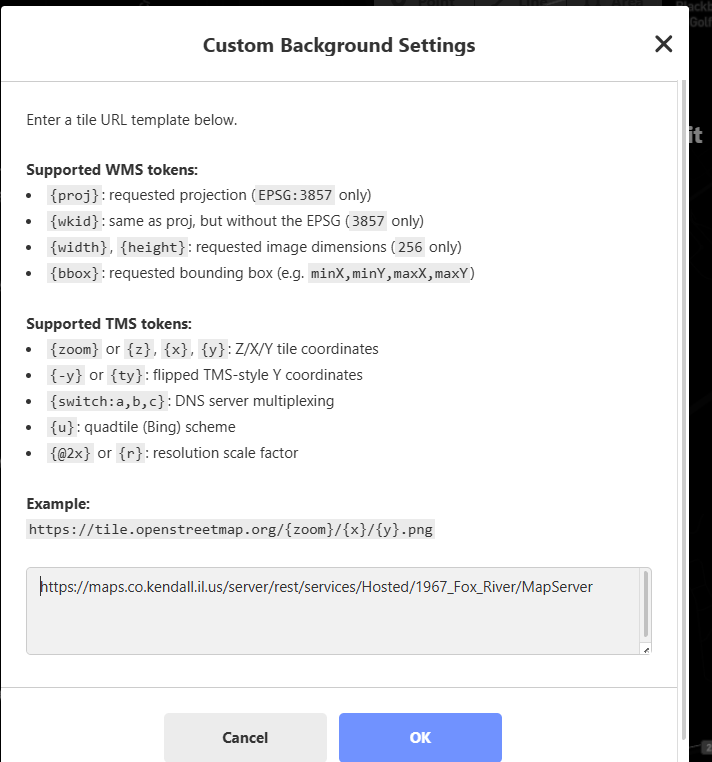
How do I import a basemap shapefile or into OHM? I’m new to OHM and I can’t find anywhere on OHM to import basemap shapefiles, One of the basemaps I also want to upload has a URL from ArcGIS Online. I tried to
import the maps through customs options in background setting by pasting the URL path, but no results showed.
Hi @_Jillian_505 - welcome to our forum - we’re psyched you’re here!
Unfortunately, this one has me a little stumped.
I believe something like this: https://maps.co.kendall.il.us/server/rest/services/Hosted/1967_Fox_River/MapServer/WMTS/tile/1.0.0/Hosted_1967_Fox_River/default/GoogleMapsCompatible/{z}/{y}/{x}
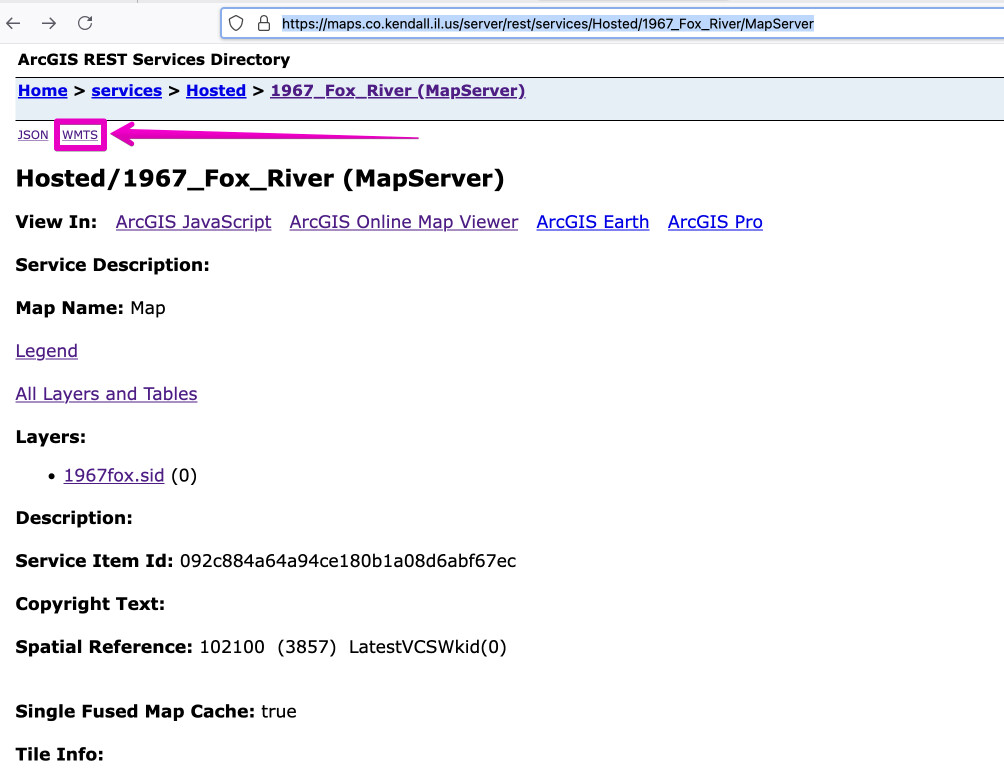
should work, based on the info at https://maps.co.kendall.il.us/server/rest/services/Hosted/1967_Fox_River/MapServer/WMTS/1.0.0/WMTSCapabilities.xml, which is linked to from the “WMTS” link at the top of the URL you showed in the iD Custom Background Settings dialog: Hosted/1967_Fox_River (MapServer)
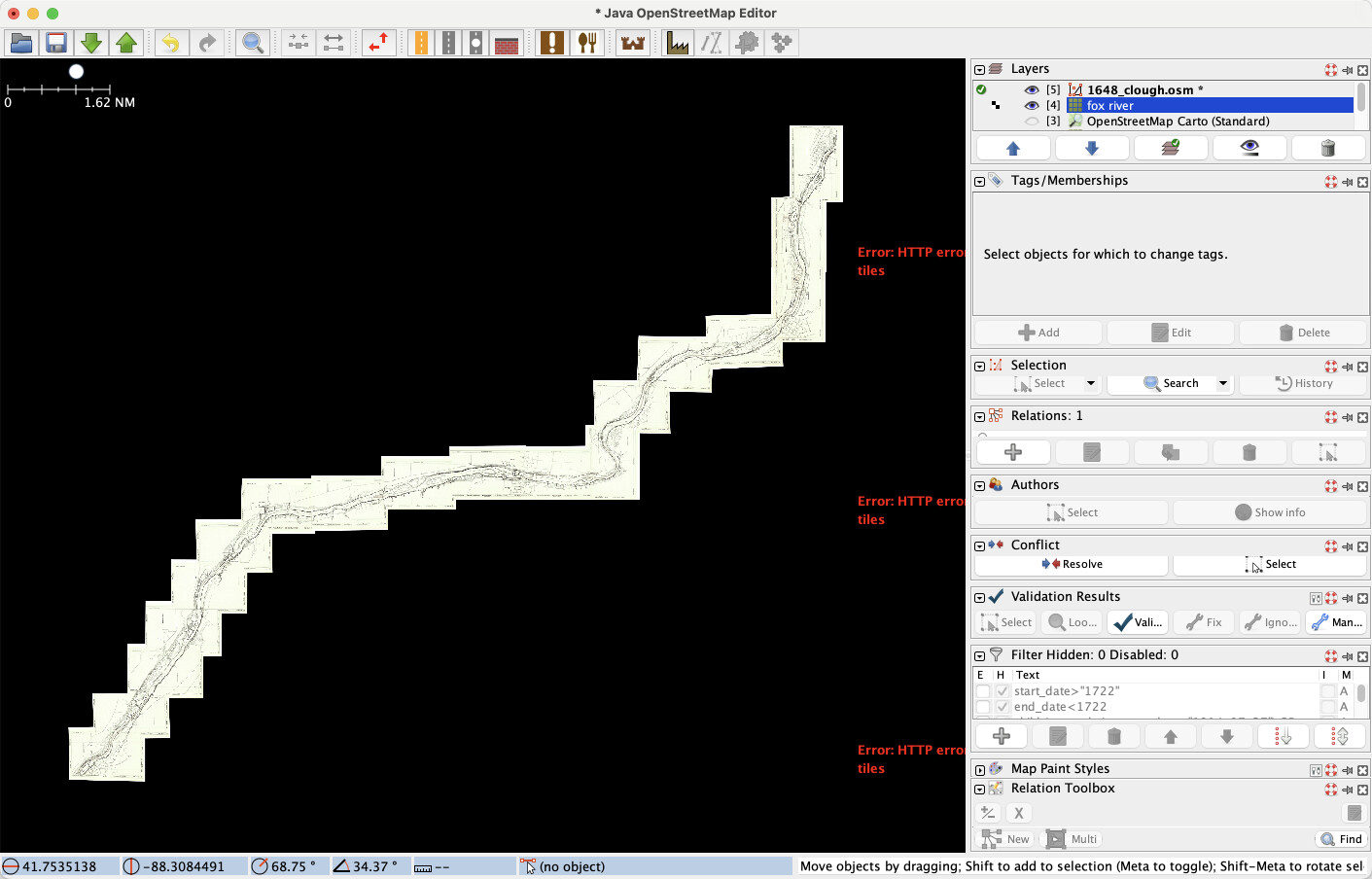
But… I’m not having any luck after hammering away at it for a bit. It does work in JOSM using the WMTS info & the GoogleMapsCompatible layer, but I’m at a loss right now for making it work in iD. Perhaps a night’s rest will lodge something loose in my cobwebs…